
Pipelines
Pipelines are how you give shape to work that unfolds over time.
They are designed for teams managing projects tied to real places. Every project in a pipeline is anchored to a pin. That means every deal, build, rollout or installation is grounded in location, not floating in a spreadsheet.
Pipelines are available on Team+ and Team Pro plans. There is no limit to how many you can create, or how many stages they contain.
What a pipeline really represents
A pipeline is not just a board of columns. It is a defined workflow.
Each pipeline is made up of stages that reflect how your work progresses. Within each stage sit projects. Every project is tied to a specific pin.
The pin holds the permanent record of the place.
The project represents a defined piece of work happening at that place.
A single location might have multiple projects over time. A refurbishment this year. A service contract next year. A compliance audit later. The pin remains constant. The projects move through their own lifecycle.
A project can only sit in one stage at a time. When it moves forward, the whole team sees that movement immediately.
Designing your stages
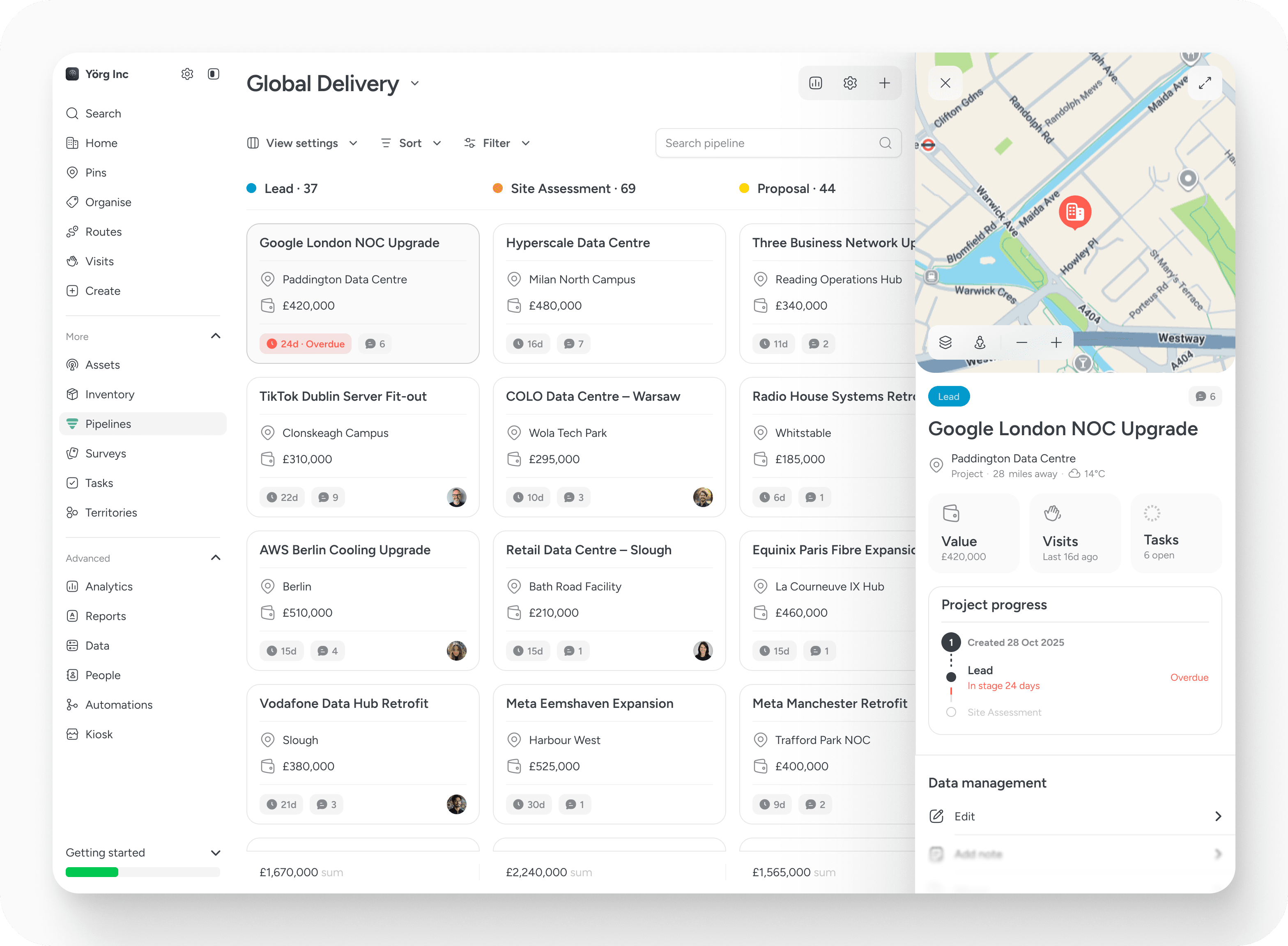
Stages are fully customisable. You define the names. You define the order. You choose the colour reference so the flow is visually clear.
You can also set an expected duration for each stage. This is where pipelines become operational rather than decorative. If a project remains in a stage longer than expected, it is flagged. Nothing dramatic. Just a signal that something may need attention.
Over time, this creates discipline without needing constant meetings.
Stages can be reordered at any point. Projects can be dragged between them as work progresses. There are no limits on how many stages you create, which allows your workflow to reflect reality rather than forcing your process into a rigid structure.
What lives inside a project
A project carries its own identity.
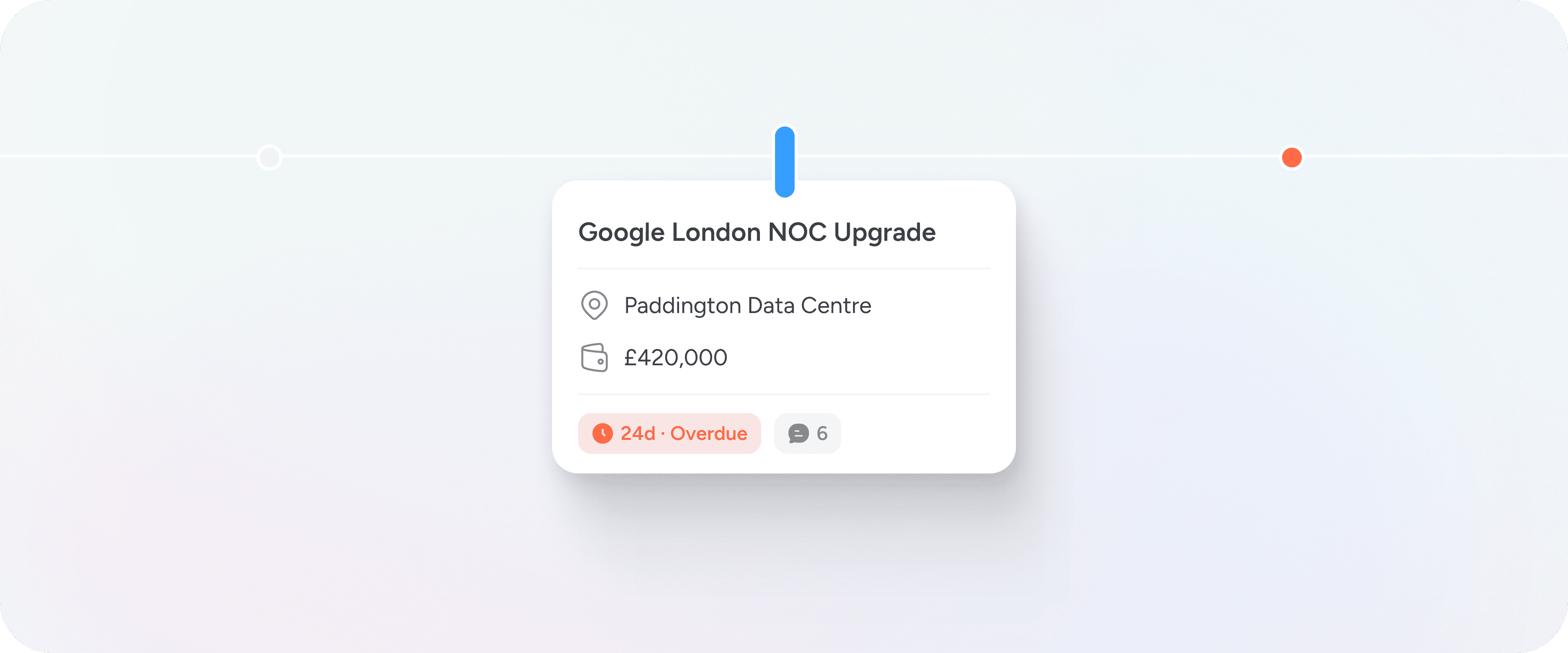
- It has a title.
- It is tied to a location.
- It can hold a financial value.
- It has stage timing.
- It has comments.
- It accumulates activity.
The financial value belongs to the project, not the pin. That distinction matters. A location may host multiple commercial engagements over time, and each one should stand on its own.
When you open a project, you see more than a card. You see its timeline. You see visits that took place while that project was active. You see tasks that were completed. You see how the work progressed at that site during the life of the project.
It becomes a record, not just a status update.
Movement creates visibility
The power of pipelines is not in the columns. It is in the movement.
When a project shifts stage, the totals update. Stage values recalculate. Overdue indicators adjust. The timeline reflects the change. The team sees progress in real time.
You can see the combined value of each stage, and the total value across the pipeline. This helps you understand where commercial weight sits in your workflow. Are most projects stuck early? Are high-value engagements concentrated in one phase? The board shows you without needing additional reporting.
Over time, patterns become visible.
How pipelines connect to the rest of the system
Pipelines do not replace pins. They depend on them.
Every project is anchored to a place. That means:
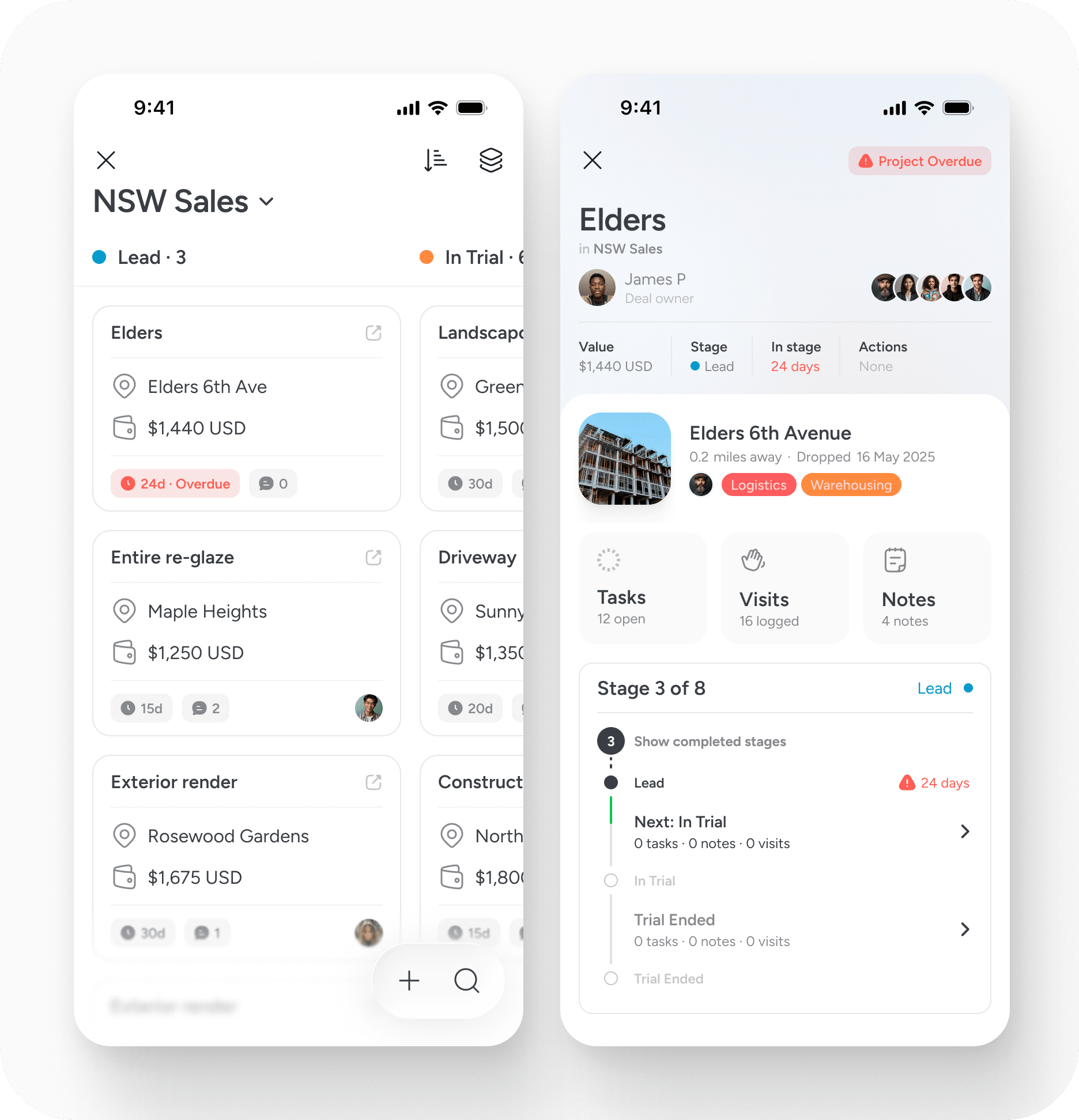
- Visits logged at that location are visible.
- Tasks assigned at that site are visible.
- Notes and comments accumulate.
- Routes can include the project location.
- Edit history is preserved.
The pipeline organises progression.
The pin preserves reality.
This separation keeps your long-term location data clean while allowing structured work to move independently.
Permissions and collaboration
Pipelines live inside a workspace. Workspace admins control who can create, edit or move projects. This ensures pipelines remain collaborative while still governed.
As teams grow, this becomes essential. Not everyone needs to restructure stages. Not everyone needs to delete projects. Control can be applied where needed.
Reporting and what comes next
Today, pipelines allow you to see stage totals, combined values and overdue timing. You can generate reports and build routes directly from projects.
Reporting and analytics will continue to evolve based on how teams actually use pipelines. The aim is not to overwhelm with metrics, but to surface the signals that genuinely improve decision-making.
When to use a pipeline
Use a pipeline when work moves through defined phases.
- If something progresses from enquiry to proposal to delivery, a pipeline makes sense.
- If something requires structured oversight across locations, a pipeline adds clarity.
- If you simply need to categorise places, use tags.
- If you need to define geographic ownership, use territories.
- If you need to manage progression over time, use pipelines.
In essence
Pipelines bring progression to place.
They allow projects to move through structured stages while remaining tied to the physical world. They make commercial value visible. They highlight delays early. They create accountability without complexity.
Location remains the backbone. Pipelines provide the flow.


