
Tasks
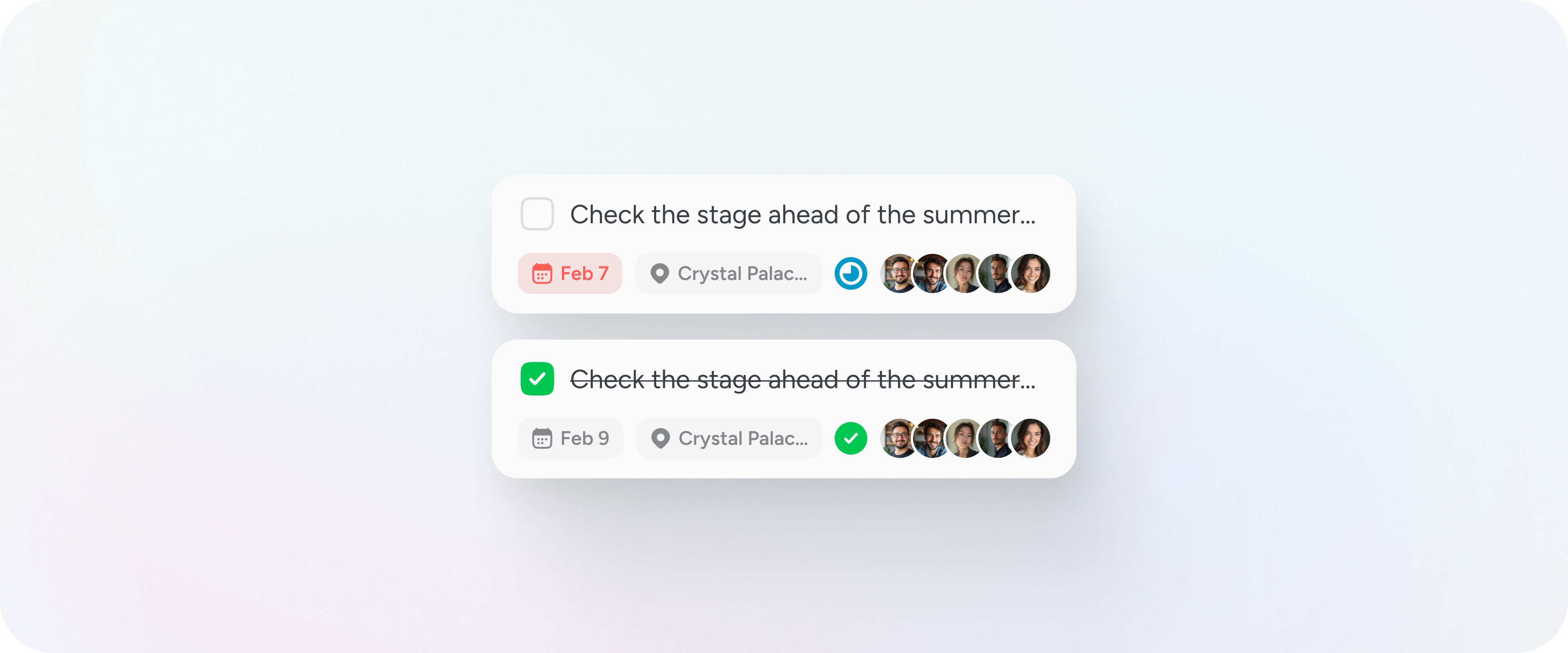
Tasks allow you to record, assign and complete work that is tied to a specific place. On Pin Drop, a task cannot exist on its own. Every task is attached to a pin, a route stop, a visit or a pipeline stage. This ensures that work remains grounded in geography rather than becoming another disconnected checklist.
When a task is created, it becomes part of the record for that location. Over time, this builds a structured history of what happened, when it happened and who was responsible.
How tasks are structured
Each task includes a title and can include a description, due date and supporting information such as notes, media or custom form data. As work progresses, the task moves through four states:
- Unassigned
- Assigned
- In progress
- Complete
These states reflect ownership and activity. They are not automated workflows. They are a shared view of responsibility across mapped locations.
When a task is marked complete, the completion date is recorded and the timeline updates automatically. The record remains attached to the location permanently.
Viewing your work
Tasks can be viewed in two perspectives.
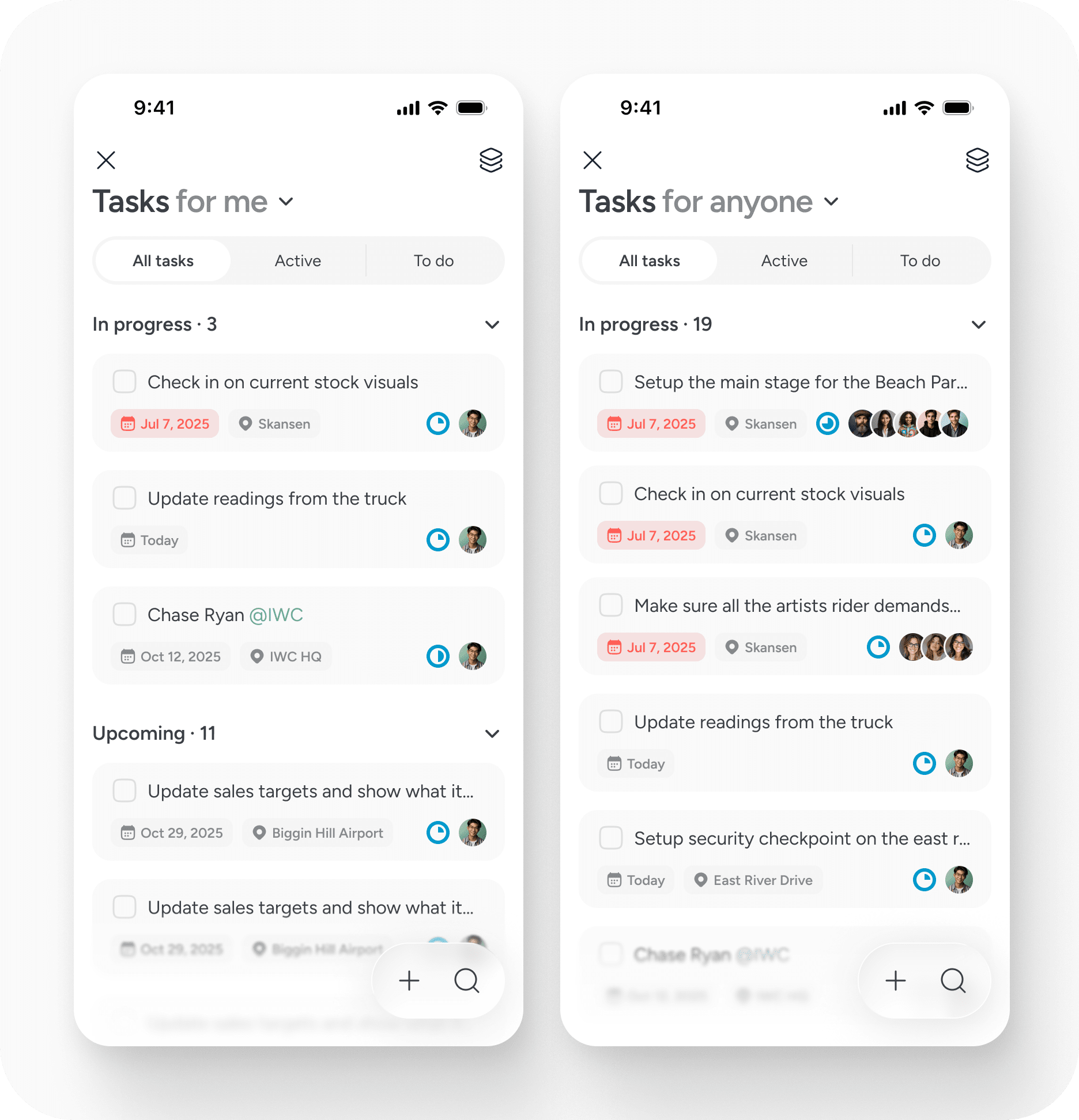
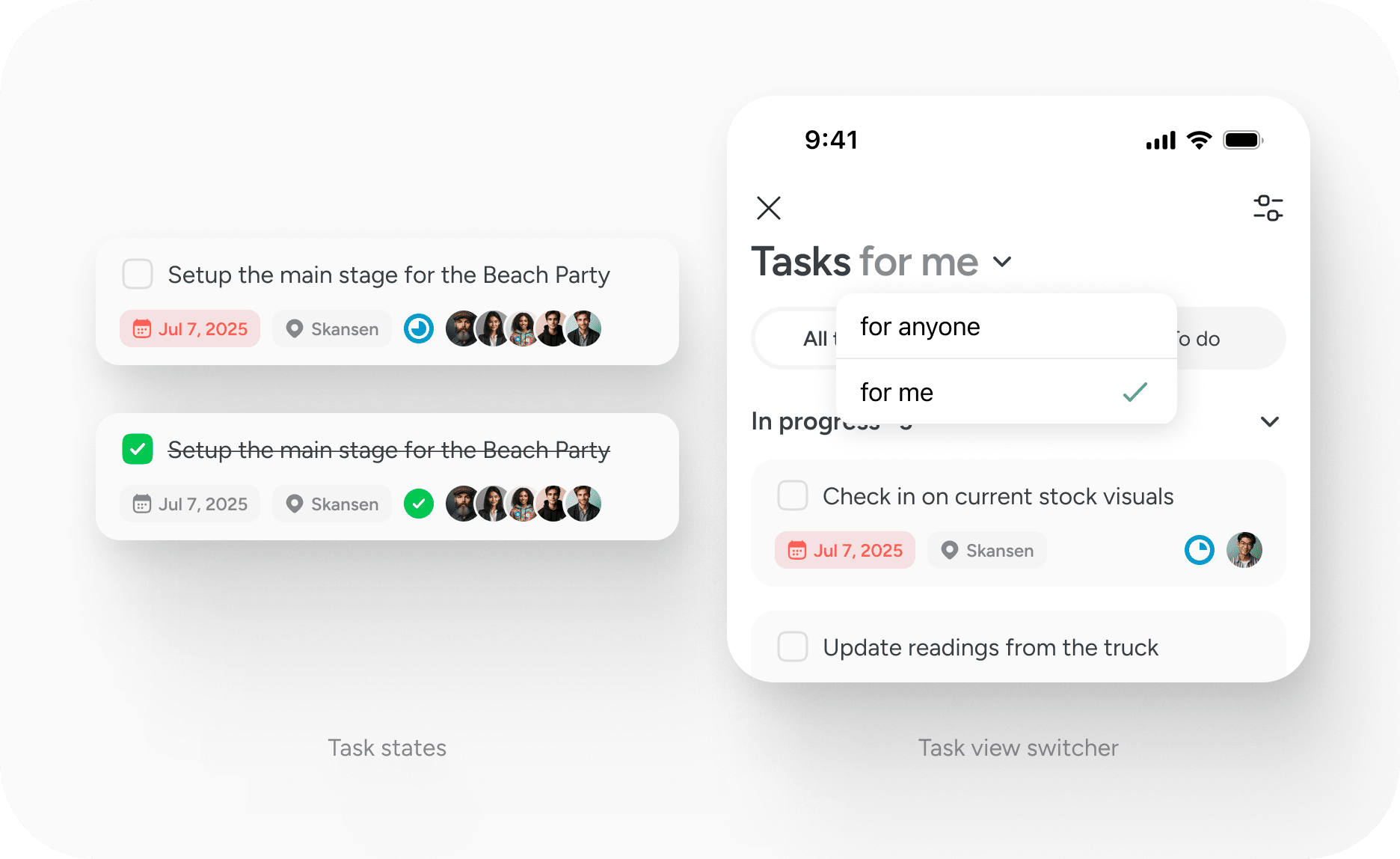
Tasks for me shows the work currently assigned to you across all locations. This view is designed for individual accountability and day to day execution.
Tasks for anyone shows all tasks across your team. This provides operational visibility and allows managers to understand what is active, what is upcoming and where attention is required.
Within each view, you can filter by all tasks, active tasks or to do items. This keeps focus on what requires action.
Tasks are always location based
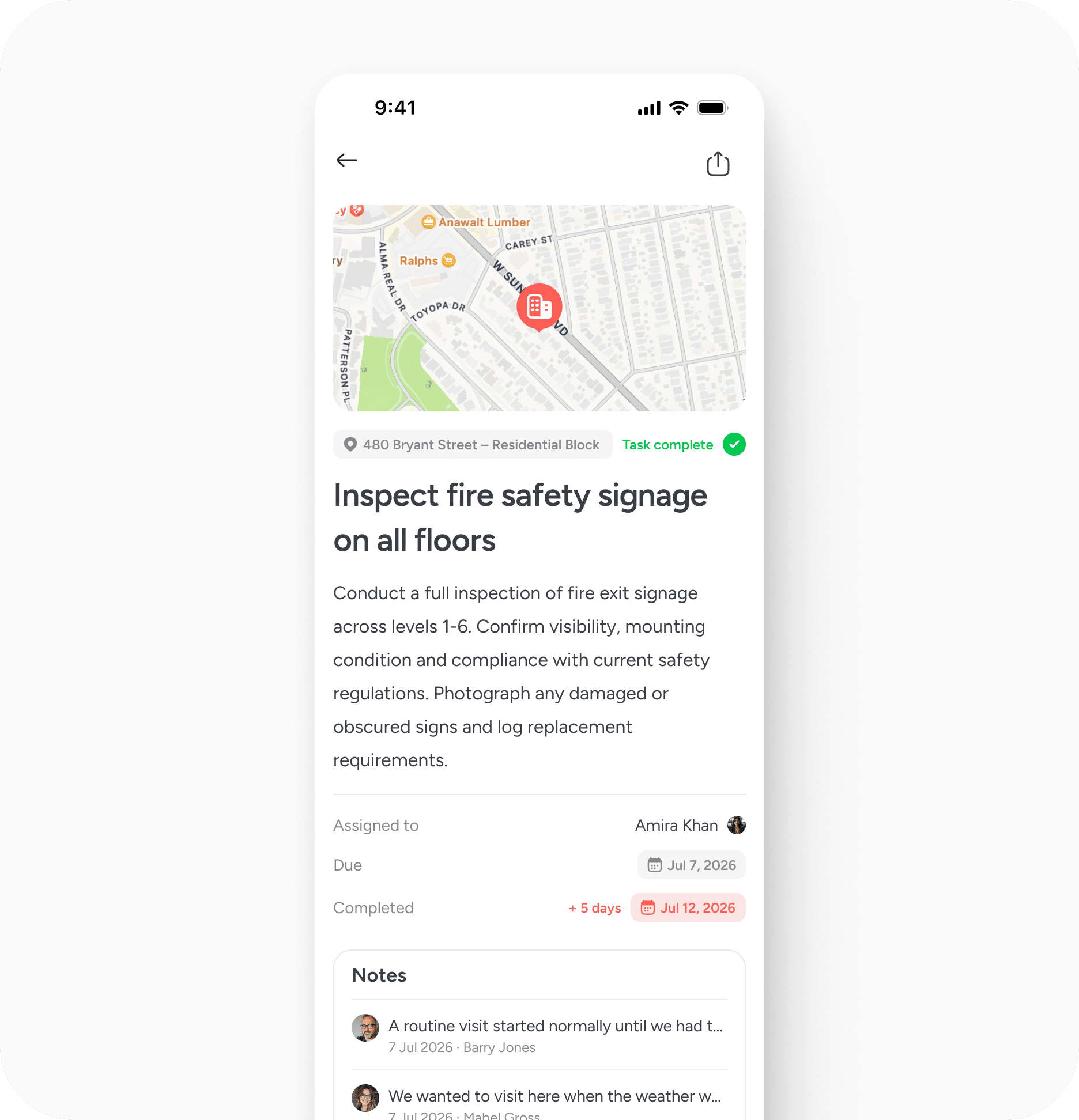
The defining principle of tasks on Pin Drop is that they are always tied to place. This means you can open the related pin and immediately see:
- The geographic context
- Linked notes or surveys
- Route or visit information
- Previous activity at that site
Work does not float separately from where it happens. Every action strengthens the record of that location.
Working with routes, visits and pipelines
Tasks are often used alongside other operational features.
A task can be attached to a route stop to structure fieldwork across multiple sites. It can be linked to a visit to ensure on site actions are recorded. It can also be tied to a pipeline stage so project progression remains measurable.
This integration allows the map to remain the backbone of activity rather than forcing teams to manage work in parallel systems.
Plans and permissions
Tasks are available on paid plans.
On the Solo plan, tasks remain personal. You can create and complete tasks, but you cannot assign them to other users. This supports individual workflows tied to place.
On Team plans, tasks become collaborative. You can assign tasks to other members, view tasks for anyone and track shared accountability across mapped locations. This allows distributed teams to coordinate work without losing geographic context.
Best practice
Attach tasks to the most specific location possible. Use clear titles that describe the action rather than the discussion. Add notes or media where context is important.
Over time, this approach builds a reliable operational history at each place.
Completing a task
When a task is marked complete:
- The completion date is recorded
- The timeline is updated
- The record remains attached to the location
This creates a history of work at that site.
Limitations
Tasks are intentionally simple. There are no recurring tasks and no task templates. Tasks must always be tied to a location and are created manually. Additional workflow controls may be introduced over time based on how teams use them in practice.
- Tasks do not repeat automatically
- There are no recurring tasks
- There are no task templates
- Tasks must always be tied to a location
If you require recurring structures, you will need to create tasks manually at the relevant location.


