
Visits and Notes
Visits create a time stamped record of activity at a specific location.
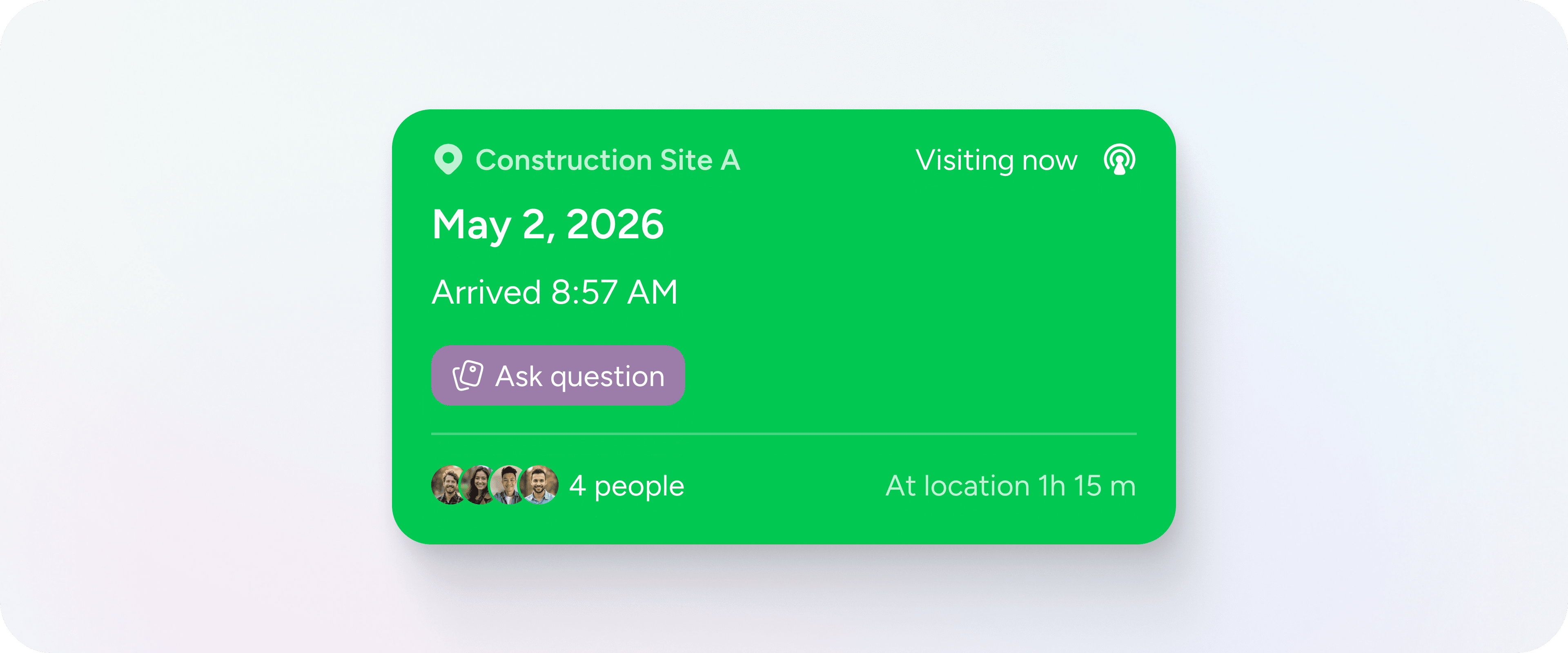
When you check in to a pin, you are recording that you are physically present. From that moment, time is being measured against that place. When you leave the area, the visit ends and the total time on site is stored as part of the location’s history.
Over time, visits build a clear operational record. Not just that something was discussed, but that someone was there.
Visits are available on paid plans.
Checking in and out
A visit begins when you check in.
Check-in is designed to happen when you are near the location. If you attempt to check in from too far away, the system will warn you. The same applies when ending a visit.
Once active, a visit continues until you leave the defined radius around the pin. When your GPS location moves beyond that radius, the system automatically checks you out. This ensures that time spent on site is recorded with reasonable accuracy.
You can also manually end a visit if needed.
Each visit captures:
- The check-in time
- The check-out time
- The total duration
That information remains attached to the pin permanently.
Notes during a visit
While checked in, you can add notes and media directly to the visit. Photos, videos and file attachments become part of that specific moment in time.
Notes can also be created independently of visits. However, when a note is attached to a visit, it carries context. It reflects what happened during that time on site, rather than existing as a standalone comment.
This distinction matters over months and years, when patterns and accountability become important.
Revisit reminders
Sometimes a visit leads to follow-up.
You can schedule a revisit for a specific date and time. When you do, the system creates both a reminder and a linked task for that location. This turns intention into structure. The next action is not simply remembered. It becomes part of the system.
Revisit reminders ensure that places are not forgotten.
Team visibility
On Team plans, visits are visible to everyone in the workspace. There is no private mode for visit records within a team. This transparency supports shared accountability across locations.
Each location accumulates a total visit count and total time spent across the team. Managers can see patterns of coverage and engagement without asking for separate reports.
Completed visits cannot be edited. They can be deleted if necessary, but they are otherwise preserved to protect reporting integrity.
There is no limit to how many visits a location can have.
Routes and visits
When you complete a stop on a route, it is recorded as a visit. This means routing activity contributes directly to the visit history of the location.
Travel and presence remain connected. Movement across the map becomes part of the operational record.
Reporting and history
Every visit appears in the location’s timeline. Over time, this creates a visible audit trail of activity.
Visit data can also be accessed through reporting and analytics, allowing you to understand patterns across territories, customers or assets.
Because visits are tied to place, reporting remains geographic.
A simple principle
Visits are not just check-ins. They are evidence of presence.
By anchoring time to location, they create structure where there would otherwise be ambiguity. Over time, that structure becomes clarity.


