
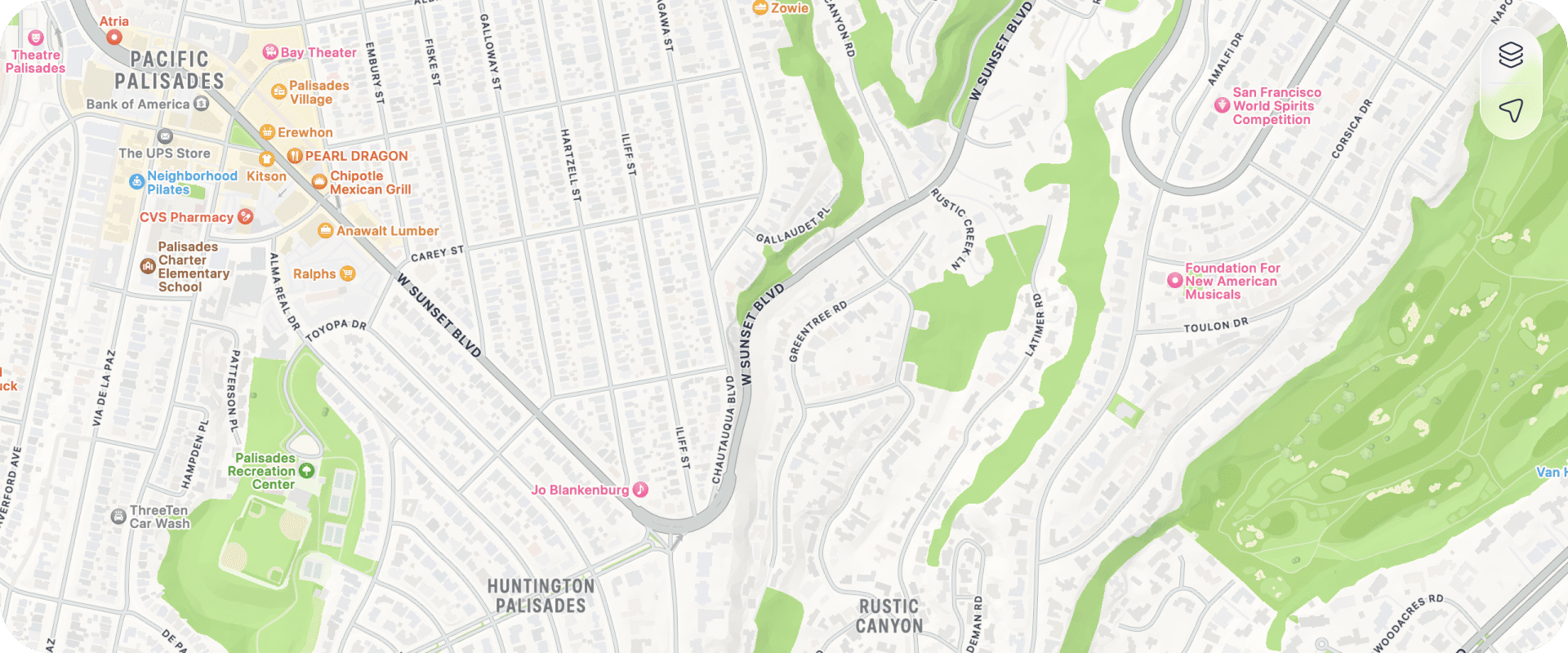
Pins
Where are all my pins?
We're sorry to hear your pins aren't visible. There's a few things to check to help get to the bottom of what's going on.
Check Filters
If you have filters enabled, it will mean that some pins will be hidden. Open the filters (see the icon to the side of the search bar at the top of the app). Simply reset the filters and see if your pins are visible again.
Map View vs List View
Check you can see pins on the list view if you can't see them on the map.
Last Resort
The age old fix is to simply close the app and re-open it. If it's got itself in a funk for some reason, this is the quickest way to try and get it working properly. If this becomes a regular issue or none of the above helps your pins be visible again, get in touch so we can help.
Archiving pins
The archive pin feature allows you to hide pins that you no longer need to see on your main map or list, without permanently deleting them. Whether it’s a completed job, a past event, or a location you no longer visit regularly, archiving helps you declutter while still keeping your data safe and accessible.
Think of it like boxing up old files: out of sight, but not out of reach.
How it works
- Archiving a pin
- From any pin, tap the more actions menu (+) and choose Archive.
- The pin will disappear from your main map and pin list.
- Archived pins receive a grey indicator strip at the top of their pin card, making their status easy to identify.
- Archived pins can't be added to or edited while archived.
- Accessing archived pins
- Archived pins are grouped under the archived tag.
- You won’t be able to search or filter for archived pins using general search or filters.
- To view them, go to your tags view and select the archived tag.
- This tag is only available on paid plans.
- Unarchiving a pin
- Simply open the archived pin and select unarchive from the pin options menu to restore it to your main map and list.
- Once unarchived you will be able to add to or edit the pin.
- You will also be able to archive this pin again if you want.
Who can use this feature?
The archive pin feature is available exclusively to users on paid plans. If you’re using a free version of Pin Drop, you won’t see the archived tag or be able to archive pins.
Why archive instead of delete pins?
Archiving keeps your historical data intact while helping you focus on what’s current. It’s perfect for:
- Completed projects or sales routes
- Past meeting locations
- Temporary or seasonal destinations
- Old job sites or delivery stops


